The manufacturing floor has changed dramatically over the last decade. Where once you had isolated machines running proprietary protocols, today’s plant floors are filled with sensors, PLCs, SCADA systems, and edge devices — all connected to your corporate network and, increasingly, to the cloud. Industrial IoT (IIoT) technology has unlocked real competitive advantages: predictive maintenance, real-time production analytics, remote equipment monitoring, and energy management.
But every connected device is also a door. And in many NWA manufacturing facilities, those doors don’t have very good locks.
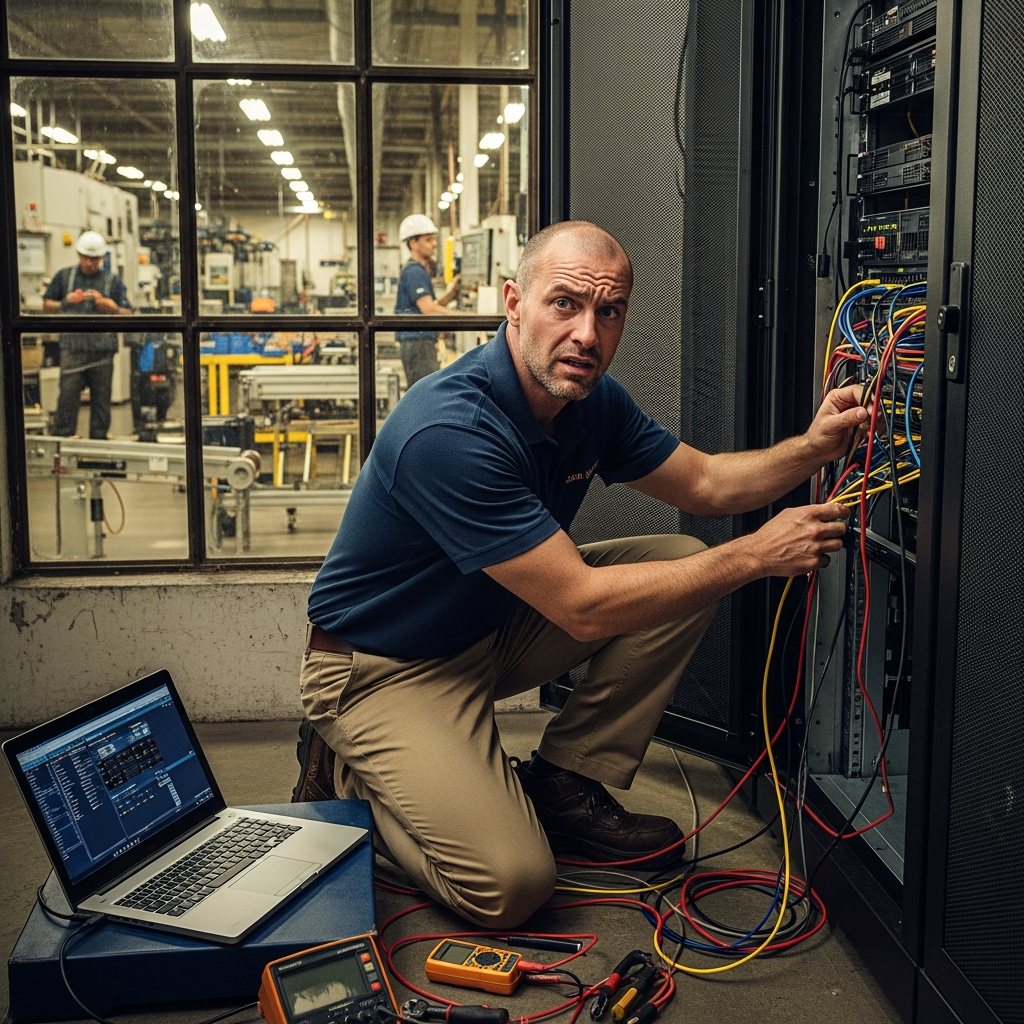
IIoT security isn’t about fear — it’s about protecting the operational capabilities you’ve worked hard to build. This guide walks through the practical steps Northwest Arkansas manufacturers should take to secure their connected devices without slowing production.
Why IIoT Security Is Different from Regular IT Security
Most IT security tools and frameworks were designed for traditional corporate environments: laptops, servers, and cloud applications. IIoT devices play by different rules.
Key differences:
- Long device lifecycles. A PLC or industrial sensor might run for 10–20 years. Security patches are rare, and vendors sometimes stop supporting devices entirely while they’re still in active production use.
- Real-time requirements. A sensor monitoring temperature or pressure can’t tolerate the latency of a full security scan or the downtime of a forced restart.
- Proprietary protocols. IIoT devices often communicate over Modbus, PROFINET, DNP3, or other industrial protocols that standard IT security tools don’t understand.
- Physical consequences. A compromised OT environment isn’t just a data breach — it can mean equipment damage, production stoppage, or in some industries, worker safety incidents.
These differences mean you can’t simply install endpoint protection on an IIoT device and call it done. You need a layered, purpose-built approach.
Step 1: Build a Complete IIoT Asset Inventory
You can’t protect what you don’t know you have. For many manufacturers, this is the hardest step.
Start by conducting a full discovery scan of your operational network — not just the corporate side. Tools like Claroty, Dragos, or Nozomi Networks are designed specifically for OT/IIoT asset discovery and can identify devices that wouldn’t appear on a standard IT network scan.
Your inventory should capture:
- Device make, model, and firmware version
- Communication protocols used
- Network connections (IP address, VLAN, connected switches)
- Last known patch or update date
- Business function and criticality
- Whether the device communicates outbound to the internet
For NWA manufacturers who’ve grown quickly through capital investment or acquisitions, it’s common to find legacy devices that no one on the current IT team even knew were on the network. Surprises here are not good surprises.
Step 2: Segment Your OT and IIoT Networks
This is the most impactful security control you can implement. Network segmentation creates boundaries that limit how far an attacker — or a piece of malware — can move if they get in.
The goal is a three-tier architecture:
| Zone | What Lives Here | Access Rules |
|---|---|---|
| Corporate IT | Servers, workstations, cloud apps | Standard IT security controls |
| DMZ / Jump Zone | Historian servers, data aggregation points | Strictly controlled, bidirectional with logging |
| OT / IIoT Floor Network | PLCs, sensors, SCADA, HMIs | No direct internet access; inbound from DMZ only |
Your IIoT devices should never have a direct route to the internet. All external communications should pass through a monitored DMZ layer where traffic can be inspected and logged.
Firewalls between zones should enforce least-privilege rules: allow only the specific protocols and ports that devices legitimately need. If a temperature sensor needs to report readings to a historian, allow only that data flow — nothing else.
Step 3: Harden Default Configurations
Out-of-the-box IIoT device configurations are almost never secure. Vendors set defaults for easy installation, not for security. Before any device goes live on your production network:
- Change default credentials. This sounds obvious, but it’s still one of the most common vulnerabilities found during IIoT security assessments. Default usernames and passwords are publicly documented for most industrial hardware.
- Disable unused services and ports. If a device has a web management interface you’ll never use, disable it. If it has Telnet enabled by default, turn it off.
- Disable unnecessary remote access. Many IIoT devices ship with remote desktop or shell access enabled. If you don’t need it, close it.
- Review vendor hardening guides. Many industrial equipment vendors publish security hardening documentation — it’s just not always prominently advertised. Ask your vendor or check their support portal.
Keep a record of what you’ve changed from default on each device. This becomes part of your configuration management baseline.
Step 4: Manage Patches and Firmware Updates Carefully
Patching IIoT devices is genuinely hard. Production schedules, vendor release cycles, and the risk of update-induced failures all create friction. But unpatched devices are a known, exploitable risk — and attackers actively search for commonly deployed industrial hardware with known vulnerabilities.
Build a practical patching process:
- Subscribe to vendor security bulletins for every device in your inventory. Many vendors post updates infrequently, but when a critical patch drops, you need to know immediately.
- Test updates before production deployment. A firmware update that changes device behavior can be as disruptive as a cyberattack. If possible, test in a staging or development environment first.
- Establish a patching window in coordination with your operations team. Planned maintenance windows are your friend. Even a quarterly patching cadence is far better than ad hoc updates.
- Document unpatched exceptions. For devices that can’t be patched — end-of-life hardware, vendor-restricted systems — document the compensating controls in place and review them on a scheduled basis.
For NWA manufacturers running older equipment, compensating controls often mean network isolation and enhanced monitoring rather than patching. That’s a legitimate, defensible approach as long as it’s deliberate and documented.
Step 5: Monitor IIoT Traffic for Anomalies
Once you have a known-good baseline of what normal looks like on your OT/IIoT network, you can detect deviations that signal a problem.
IIoT monitoring tools work by learning normal communication patterns — which devices talk to which, how often, using what protocols — and alerting when something deviates. A PLC that suddenly starts making outbound internet connections, or a sensor that starts scanning other devices on the network, stands out immediately.
Key behaviors to watch for:
- New unrecognized devices appearing on the OT network
- Unusual protocol usage or port scanning from IIoT devices
- Communication attempts to unknown external IP addresses
- Unauthorized firmware change attempts
- Lateral movement patterns — one compromised device probing others
This monitoring data should feed into your incident response process. When an alert fires, you need a defined playbook for who investigates, what they check, and when the operations team gets pulled in.
Step 6: Control Remote Access to IIoT Systems
Remote access to OT systems — by internal staff, vendors, and equipment integrators — is one of the highest-risk attack vectors in manufacturing. The compromise of a single vendor’s VPN credentials has been the root cause of some of the most damaging industrial security incidents on record.
Controls for remote access:
- Use a dedicated OT remote access solution rather than your standard corporate VPN. Purpose-built tools like Claroty xDome or Cisco Secure Equipment Access provide the session visibility and control that OT environments require.
- Require MFA for all remote access to OT systems — no exceptions, including vendor accounts.
- Use time-limited, session-specific credentials. Vendors shouldn’t have persistent, always-on access. Credentials should expire after each maintenance window closes.
- Log and record all sessions. Full session recording creates accountability and supports forensic investigation if something goes wrong later.
- Audit vendor access regularly. When a vendor relationship ends, revoke access immediately. Stale vendor accounts are a recurring and preventable vulnerability.
For many NWA manufacturers, vendor remote access — for maintenance of injection molding equipment, CNC systems, or specialized automation — is a legitimate business necessity. The goal isn’t to eliminate it, but to make it controlled, auditable, and revocable.
Putting It All Together
IIoT security doesn’t have to be an overwhelming project. Start with the fundamentals:
- Know what’s on your network — conduct an OT asset inventory
- Segment OT from IT — create zones with enforced firewall rules
- Harden device configurations — change defaults, disable what you don’t need
- Patch what you can, isolate what you can’t — compensating controls are valid when documented
- Monitor for anomalies — establish a baseline, alert on deviations
- Control remote access tightly — MFA, time-limited sessions, full logging
Each step builds on the last, and each one meaningfully reduces your risk exposure. You don’t need to accomplish everything in one project cycle — but you do need a plan and a starting point.
For NWA manufacturers competing for defense contracts, supplying Tier 1 customers with security requirements, or simply trying to protect the production uptime that drives their business, IIoT security is no longer optional. It’s a baseline operational requirement that your customers, insurers, and partners are increasingly going to ask about.
Ready to assess your IIoT security posture and build a protection plan tailored to your facility? Get in touch.