Walk into most manufacturing facilities in Northwest Arkansas and you’ll still find rows of desk phones wired into an aging PBX system that nobody fully understands. The system works — barely — and the fear of disrupting operations is usually enough to keep anyone from touching it. But those legacy phone systems are costing manufacturers more than they realize: in monthly service fees, missed calls on the floor, and the sheer inflexibility of a system that can’t grow with the business.
VoIP — Voice over Internet Protocol — runs your phone calls over your existing internet connection instead of traditional copper phone lines. For manufacturers, that shift unlocks meaningful improvements in cost, functionality, and operational communication. This guide covers what NWA manufacturers need to know before making the switch.
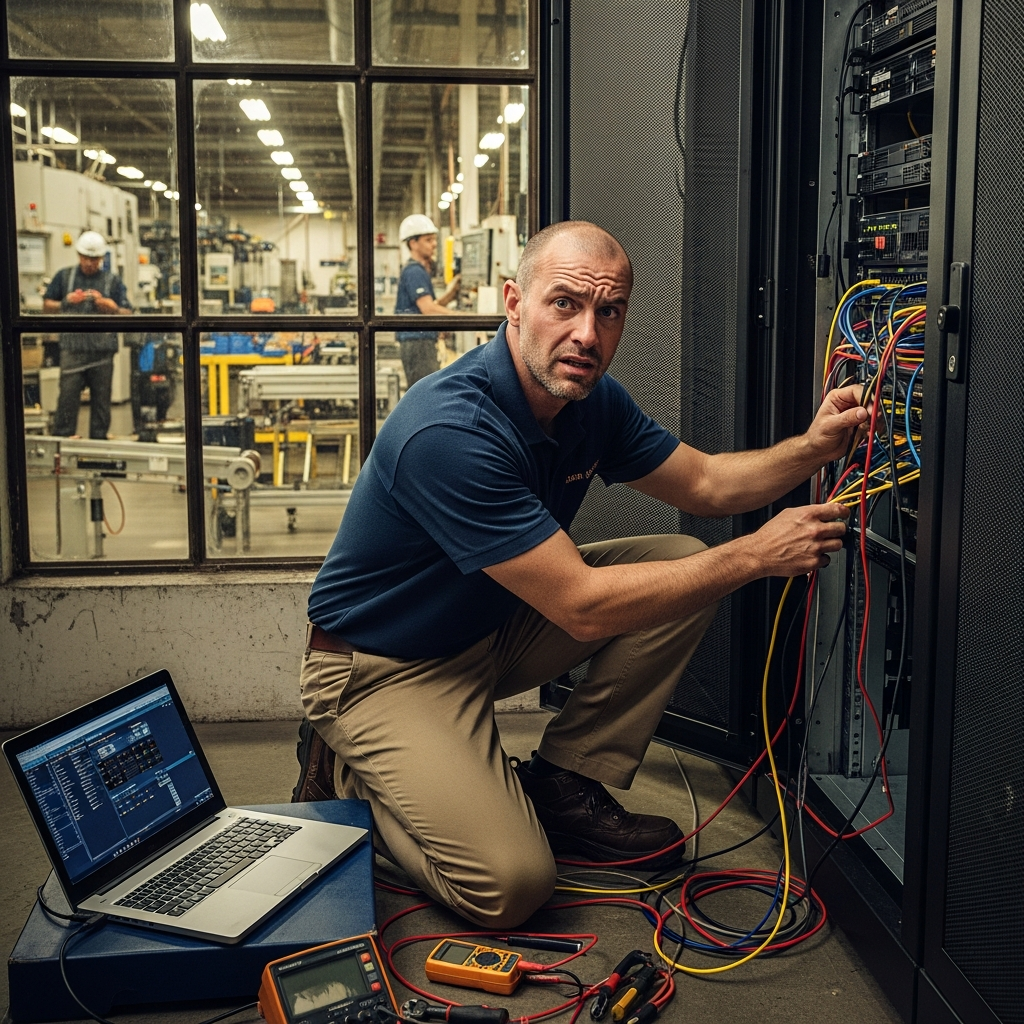
What Is VoIP and How Does It Work?
At its simplest, VoIP converts your voice into digital data packets and transmits them over the internet, just like email or a video call. Instead of dedicated phone lines running to each handset, your phones connect to a VoIP system through your existing network infrastructure.
Most manufacturers implement VoIP through one of two approaches:
- Hosted (cloud) VoIP — The phone system is managed by a provider in the cloud. You pay a monthly per-user fee, and the provider handles all the hardware, maintenance, and upgrades. Minimal upfront investment.
- On-premise VoIP (IP PBX) — You own and host the phone system hardware on-site. Higher upfront cost, but more control and potentially lower long-term costs for larger operations.
A third option — hybrid VoIP — connects an existing PBX to the internet via SIP trunks, letting you keep some legacy infrastructure while gaining VoIP features. This can be a practical middle step for manufacturers not ready for a full replacement.
Why the Traditional PBX Is Becoming a Liability
Legacy PBX systems were engineered for a different era of business. The limitations that manufacturers tolerate every day — limited extensions, expensive long-distance calls, no mobile integration — are increasingly out of step with how modern manufacturing operations actually communicate.
Consider the common scenarios:
- A supervisor on the plant floor needs to reach the purchasing manager, but the only phones on the floor are fixed wall units in break rooms
- A sales rep traveling to a customer site in Fayetteville needs to transfer a call but can only do it if they’re physically at their desk
- Adding a new extension for a new hire requires a technician visit and takes days
- Monthly phone bills include charges for features the business doesn’t use and long-distance calls that should be much cheaper
These aren’t edge cases — they’re daily friction that adds up across dozens of employees and months of operations.
The Business Case for VoIP in Manufacturing
Cost Reduction
The savings from switching to VoIP are typically immediate and significant. Here’s a comparison of what manufacturers typically see:
| Cost Category | Traditional PBX | Cloud VoIP |
|---|---|---|
| Monthly line costs | $30–80 per line | $15–35 per user |
| Long-distance calls | Per-minute charges | Usually included |
| Hardware maintenance | Annual service contracts | Included in subscription |
| Adding extensions | Technician visit + hardware | Self-service, minutes |
| Upgrades | Major capital projects | Automatic, no cost |
| Disaster recovery | Expensive redundancy setup | Built-in failover |
For a 25-person manufacturer paying for a legacy PBX, switching to hosted VoIP typically yields savings of $400–800 per month once you factor in line costs, long-distance charges, and maintenance contracts.
Flexibility for Manufacturing Environments
Modern manufacturing operations don’t work from a single desk. Supervisors move between the office and the floor. Maintenance technicians roam the facility. Sales teams travel. VoIP handles these realities in ways a traditional PBX cannot:
Softphones and mobile apps let employees make and receive calls through their business number on smartphones or laptops — no desk phone required. A supervisor can take calls on the plant floor using a ruggedized smartphone running the same VoIP app as everyone in the office.
Extension anywhere means your phone number follows you, not your desk. An employee working remotely in Bentonville or at a customer site in Fort Smith gets calls as if they were in the building.
Auto-attendants and call routing ensure incoming calls reach the right person or department without requiring a dedicated receptionist to manually transfer every call.
Features That Actually Improve Operations
Beyond basic call handling, VoIP systems include features that are genuinely useful in a manufacturing context:
- Call queues — Route inbound service or parts calls to the next available person rather than ringing a single phone that may go unanswered
- Voicemail to email — Missed calls on the plant floor get transcribed and emailed to the right supervisor automatically
- Conference calling — Multi-location manufacturers in NWA can hold operations calls without paying per-minute conference bridge fees
- Call recording — Useful for quality assurance on customer service calls and training purposes
- Integration with business systems — Many VoIP platforms integrate with CRM software, ERPs, and ticketing systems so customer data pops up when a known caller rings in
What to Evaluate Before You Switch
Not every VoIP implementation goes smoothly. The most common problems manufacturers encounter are network-related, not phone-related.
1. Network Readiness
VoIP calls are sensitive to network quality in ways that file downloads and email are not. Packet loss, jitter (inconsistent packet delivery), and high latency all degrade call quality and produce the choppy, robotic audio that gives VoIP a bad reputation. These issues almost always come down to network configuration, not the VoIP system itself.
Before deploying VoIP, your network should support:
- Consistent latency under 150ms
- Packet loss below 1%
- Quality of Service (QoS) settings that prioritize voice traffic over other data
If your facility’s network wasn’t designed with these requirements in mind, you’ll need to address them before the phones go in.
2. Internet Bandwidth
VoIP calls consume roughly 85–100 Kbps of bandwidth per active call. For most manufacturers, this is not a significant concern — a 100 Mbps business internet connection can handle hundreds of simultaneous calls. The more relevant question is whether your connection is reliable. If your internet goes down, so do your phones (unless you have a failover plan).
Recommended options:
- Maintain a secondary internet connection from a different ISP as failover
- Use VoIP providers that offer cellular failover options
- Keep one or two traditional analog lines for 911 and critical backup calls
3. Physical Infrastructure on the Plant Floor
Office environments are generally straightforward for VoIP deployment. The plant floor is more complicated. Noise levels, physical hazards, and the need for ruggedized equipment all factor in. Options for floor communication include:
- Ruggedized IP phones rated for industrial environments
- Wireless VoIP handsets (DECT phones) that connect to the network without running cable to every station
- Overhead paging integration — most VoIP platforms can drive overhead paging systems directly
- Mobile softphone apps on ruggedized smartphones
4. Vendor Selection
The hosted VoIP market is crowded, and not all providers are suited for manufacturing. Look for providers that offer:
- Uptime SLAs of 99.99% or better
- US-based support with real response times
- Contract flexibility (avoid multi-year lock-ins until you’ve validated the service)
- Compatibility with the handsets and infrastructure you plan to use
Common platforms worth evaluating for small-to-mid manufacturers include RingCentral, Microsoft Teams Phone (especially if you’re already on Microsoft 365), 8×8, and Vonage Business.
Implementation: What the Process Actually Looks Like
A typical VoIP deployment for a 20–50 person NWA manufacturer follows this sequence:
- Network assessment — Evaluate current infrastructure, run VoIP readiness tests, identify QoS gaps
- Design and provisioning — Choose hardware (desk phones, headsets, paging integration), configure call flows, set up auto-attendant scripts
- Number porting — Port existing business phone numbers to the new VoIP provider (typically 2–4 weeks)
- Parallel testing — Run old and new systems simultaneously during cutover to catch issues
- Training — Brief staff on new features; most VoIP systems are intuitive but auto-attendants and voicemail require configuration training
- Cutover — Go live; have IT support available for the first few days
Total deployment time for most manufacturers: 4–8 weeks from decision to go-live.
Common Mistakes to Avoid
Skipping the network assessment. Deploying VoIP on a network that wasn’t designed for it is the number one cause of poor call quality. Fix the network first.
Choosing the cheapest provider without reading the SLA. Downtime in a manufacturing environment has real cost. Cheap VoIP providers often cut corners on redundancy.
Forgetting 911 compliance. Traditional 911 sends your physical address automatically. VoIP 911 (called E911) requires configuration to work correctly. This is not optional — it’s a legal requirement in most states, and getting it wrong creates liability.
Underestimating training time. Features like call forwarding rules, voicemail-to-email, and conference bridges work differently than most employees expect. Budget time for training, not just installation.
Is VoIP Right for Your Facility?
The short answer for most NWA manufacturers: yes. The technology is mature, the cost savings are real, and the operational flexibility is genuinely useful. The key is doing the groundwork — network readiness, proper vendor selection, and a thoughtful rollout — rather than treating it as a plug-and-play upgrade.
Manufacturers who approach VoIP as an IT project (with proper planning and infrastructure review) consistently have positive outcomes. Those who treat it as a simple phone swap often run into preventable problems that sour the experience.
Ready to evaluate whether VoIP makes sense for your facility? Get in touch.