Walk through almost any manufacturing facility in Northwest Arkansas and you’ll find the same story repeated: a handful of consumer-grade Wi-Fi routers bolted to the wall, coverage maps that look like Swiss cheese, and shop-floor workers constantly switching to cellular because the Wi-Fi drops during production. Meanwhile, the IT team is fielding calls about printers that won’t connect and PLCs that keep losing their data feeds.
Wireless networking in a manufacturing environment is genuinely hard. It’s not the same problem you solve by buying a nicer router. Factory floors are full of metal shelving, concrete walls, overhead cranes, and industrial machinery that creates radio frequency (RF) interference. Throw in a growing number of IoT sensors, barcode scanners, forklifts with onboard computers, and workers using tablets on the warehouse floor, and you have an environment that demands real enterprise-grade design.
This guide covers what NWA manufacturers need to know to get wireless networking right — covering coverage planning, access point selection, network segmentation, and security hardening.
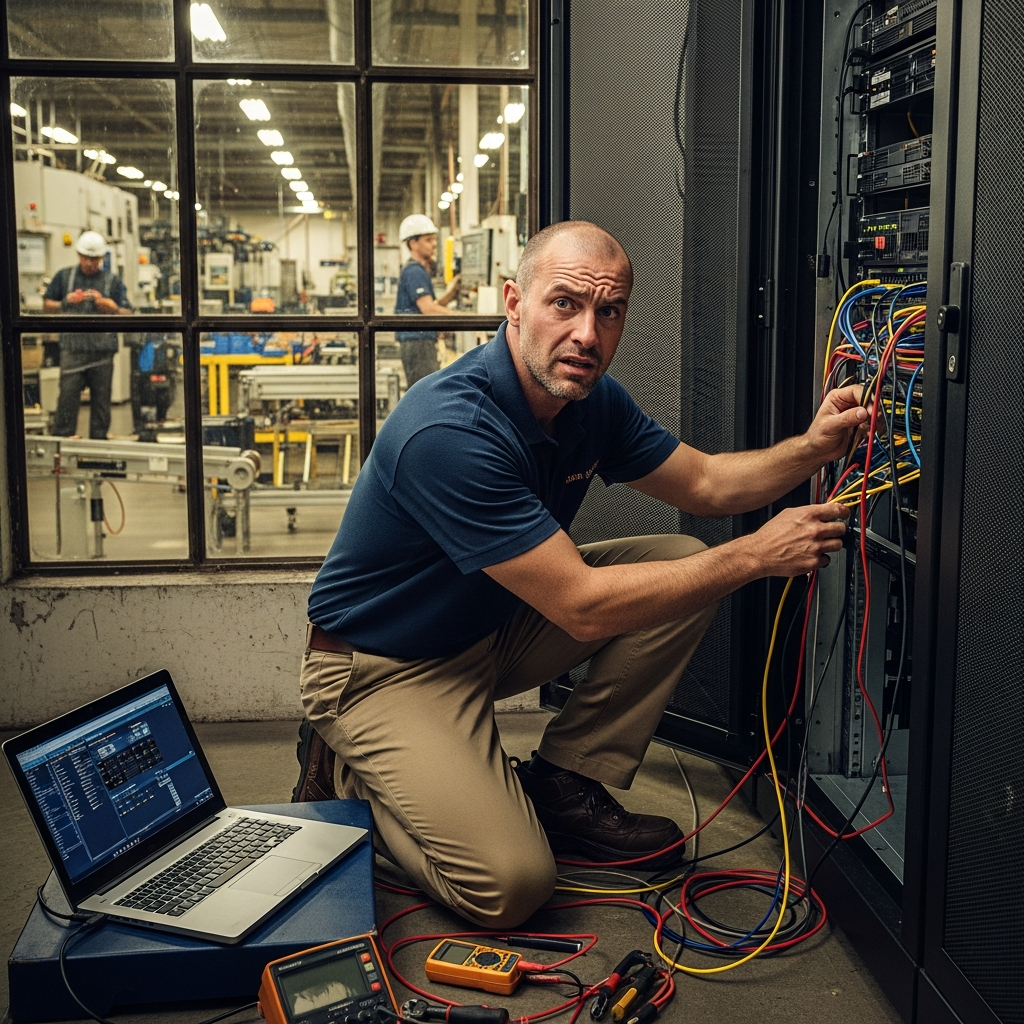
Why Wireless Network Design Is a Business Problem, Not Just an IT Problem
Poor wireless coverage doesn’t just frustrate employees — it directly affects output. A warehouse management system that drops connection mid-scan creates errors. A CNC machine operator who can’t pull up the latest job ticket from their tablet loses time hunting down a printed copy. A quality inspection tablet that buffers in the corner of the facility slows down your QC cycle.
On the security side, an unsegmented or poorly configured wireless network is an open invitation. In 2025, manufacturing surpassed healthcare as the most targeted industry sector for cyberattacks, according to multiple threat intelligence reports. Many of those breaches started with a compromised device on a flat, unsegmented Wi-Fi network.
Getting your wireless infrastructure right protects your productivity and your operations.
The Unique Challenges of Manufacturing Wi-Fi
Before choosing access points or configuring SSIDs, it’s worth understanding what makes manufacturing environments particularly difficult for wireless.
RF Interference Industrial motors, variable frequency drives (VFDs), welding equipment, and fluorescent lighting all generate electromagnetic interference that degrades Wi-Fi signal quality. Even large metal structures like shelving systems and overhead conveyors act as reflectors that cause multipath interference — signals bouncing in unpredictable ways.
High Ceilings and Large Open Areas Many manufacturing facilities have 20-to-40-foot ceilings and floor plans spanning tens of thousands of square feet. Standard access points designed for office environments don’t have the gain or beam control to handle this effectively.
Mobility Requirements Forklift operators, quality inspectors, and supervisors move constantly throughout the facility. A wireless network that works for stationary office workers — where a device can sit connected to one AP all day — often fails workers who are roaming, because slow or sticky roaming between access points causes dropped connections.
Legacy and OT Devices Older barcode scanners and PLCs may only support older Wi-Fi standards like 802.11b/g, which can actually drag down the performance of your entire network if not handled correctly. These devices also often lack modern security features, requiring careful network design to compensate.
Key Components of a Well-Designed Manufacturing Wireless Network
1. Professional Site Survey
A wireless network design that skips a proper site survey is a network designed to fail. A professional RF site survey maps out signal propagation across your specific floor plan, identifies sources of interference, and determines optimal access point placement and configuration before a single device is mounted.
For a facility of 50,000 square feet or more, this step isn’t optional — it’s what separates a network that works from one that sort-of works until it doesn’t.
2. Enterprise-Grade Access Points
Consumer and prosumer gear is not built for manufacturing environments. Enterprise access points from vendors like Cisco, Aruba (HPE), or Ubiquiti’s UniFi line offer:
- Higher transmit power and gain for large, open areas
- Multiple radios (2.4 GHz + 5 GHz + 6 GHz on Wi-Fi 6E/7 hardware) for device segmentation by band
- Centralized management through a controller or cloud dashboard
- Fast roaming support (802.11r/k/v) so mobile devices hand off between APs without dropping connections
| Feature | Consumer Router | Enterprise AP |
|---|---|---|
| Management | Individual device login | Centralized controller |
| Roaming | Sticky (slow handoff) | Fast roaming (802.11r/k/v) |
| Band steering | Basic or none | Intelligent, per-device |
| RF interference mitigation | None | Auto-channel, RRM |
| VLAN/SSID segmentation | Limited | Full support |
| Outdoor/industrial ratings | Rare | Available (IP67) |
| Warranty and support | 1 year consumer | 3–5 year enterprise |
For most NWA manufacturers, a properly designed enterprise access point deployment costs more upfront — but it eliminates the constant troubleshooting, worker frustration, and security exposure that comes with underpowered infrastructure.
3. Logical Network Segmentation
One of the most important design decisions in a manufacturing wireless network is how you segment traffic. This means assigning different SSIDs to different device categories and mapping those SSIDs to separate VLANs with appropriate firewall rules between them.
A practical segmentation model for manufacturers:
- Corporate SSID — Laptops, desktops, corporate tablets. Full access to business applications and the internet.
- Operations SSID — Barcode scanners, warehouse management terminals, production tablets. Access to specific internal systems only; no direct internet access.
- OT/Automation SSID — PLCs, HMIs, sensors, and other operational technology devices. Highly restricted; isolated from corporate network with tight firewall rules.
- Guest SSID — Visitors and contractors. Internet only; completely isolated from internal systems.
This segmentation ensures that if a barcode scanner gets compromised — or if a contractor connects a personal device to the guest network — the blast radius is contained. Without segmentation, a single compromised device has potential access to your entire network, including your ERP, file shares, and production systems.
4. Security Hardening
Beyond segmentation, a manufacturing wireless network should include:
- WPA3 Enterprise authentication (where devices support it) using RADIUS/802.1X so each device or user authenticates individually, rather than sharing a single password
- WPA2 with a complex PSK as a fallback for legacy devices that don’t support WPA3
- Client isolation on guest and OT networks so devices on the same SSID can’t communicate with each other directly
- Rogue AP detection through your wireless controller to alert on unauthorized access points
- SSID broadcast suppression for sensitive networks (OT, automation) so they’re not visible to casual scans
5. Backhaul and Cabling
Wireless performance is only as good as the wired infrastructure behind it. Each access point needs a properly rated Ethernet cable run (Cat6 minimum) and, ideally, a managed PoE switch that can deliver adequate power. Access points on runs that are too long, or powered by unmanaged switches, often perform poorly in ways that are difficult to diagnose.
Practical Recommendations for NWA Manufacturers
Based on what we see across manufacturing facilities in Northwest Arkansas, here are the practical steps that make the biggest difference:
- Start with a site survey. Don’t guess at AP placement.
- Upgrade access points before anything else. Consumer-grade hardware is the root cause of most wireless problems in manufacturing.
- Segment before you add devices. Every new IoT device or OT sensor added to an unsegmented network increases your exposure.
- Document your network. Know what’s connected to what SSID, what VLAN it’s on, and what firewall rules apply. This saves hours during troubleshooting.
- Plan for roaming. If workers carry devices through the facility, fast roaming protocols (802.11r) need to be enabled and tested.
- Test interference. Run a spectrum analysis to identify interference sources on your floor before finalizing AP placement.
- Review your guest network. Many manufacturers have an old guest SSID that’s never been touched. Make sure it’s isolated and audited.
What a Modern Manufacturing Wireless Network Looks Like
A well-designed wireless network for a mid-size NWA manufacturer typically includes:
- A centrally managed access point controller (cloud or on-premise)
- Between 10 and 50+ enterprise APs depending on facility size, placed based on a professional site survey
- Four SSIDs mapped to four VLANs (corporate, operations, OT, guest)
- Firewall rules restricting lateral movement between VLANs
- 802.1X authentication for corporate devices
- Fast roaming enabled for operations and corporate SSIDs
- Spectrum analysis and ongoing RF monitoring
This isn’t a luxury configuration — it’s the baseline needed to reliably support modern manufacturing operations and meet the cybersecurity posture that customers, insurers, and regulators increasingly expect.
The Bottom Line
Wireless networking is no longer a nice-to-have in manufacturing — it’s core infrastructure. The difference between a well-designed network and a patchwork of consumer gear shows up in worker productivity, system reliability, and security exposure every single day.
If your current wireless network is held together with consumer routers and prayers, it’s worth having a conversation about what a proper design would look like for your facility.
Ready to upgrade your wireless network and stop chasing dead zones across the plant floor? Get in touch.